
What Data Is Tracked
AcademyOS automatically collects data from attendance, matches, and coach input.
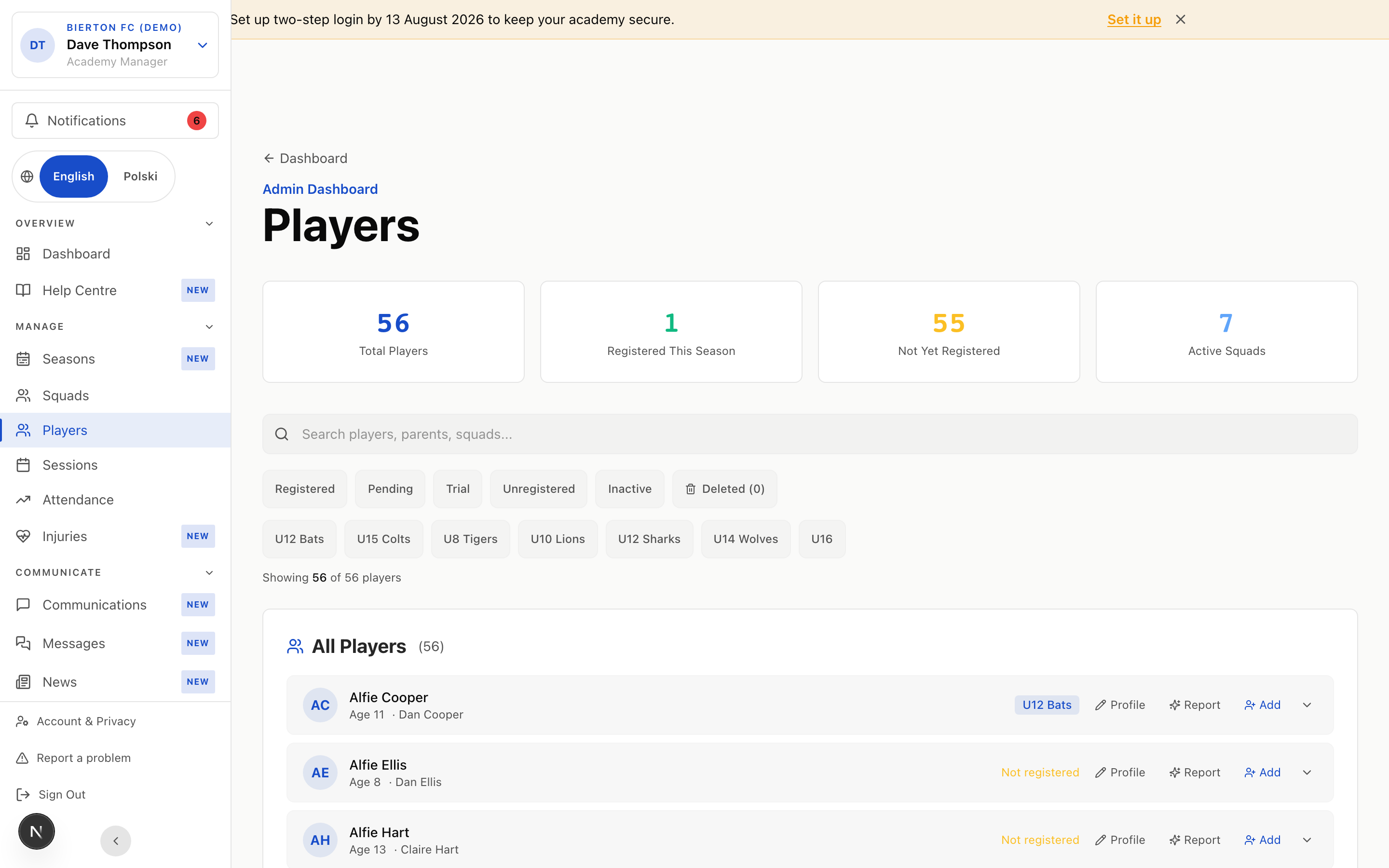
Automatic data (no extra work)
Calculated automatically from session attendance records. Shows how many sessions the player attended out of total scheduled.
Count of matches where the player was in the lineup.
Cumulative goals logged per match by the coach.
Cumulative assists logged per match.
Number of times the player was selected as Man of the Match.
Coach-rated metrics (per session/match)
Work rate, pressing intensity, willingness to run. A 5 means the player gave everything.
Ball control, first touch, passing accuracy, shooting technique.
Communication, positioning awareness, supporting teammates on and off the ball.
Sportsmanship, coachability, how the player responds to mistakes or losing.
Coach notes (written by you)
What this player does well — free text. E.g. 'Excellent left foot, reads the game well, organises the defence.'
Where the player can develop. E.g. 'Needs to use weaker foot more, sometimes drops head after mistakes.'
Specific targets for this player. E.g. 'Score 10+ goals this season' or 'Develop confidence to play CB.'
Visible to parents in the portal. Use this for positive, encouraging updates on their child's development.
Internal notes only visible to coaches. For sensitive observations, tactical plans, or trial assessments.
- You don't need to fill in every field for every player every session. Even quick 1-5 ratings add up over a season.
- The more data you log, the better the AI-generated reports will be.
- Strengths and Areas to Improve are especially valuable — they give the AI specific language to use in reports.
How to Log Performance
There are two places to enter performance data.
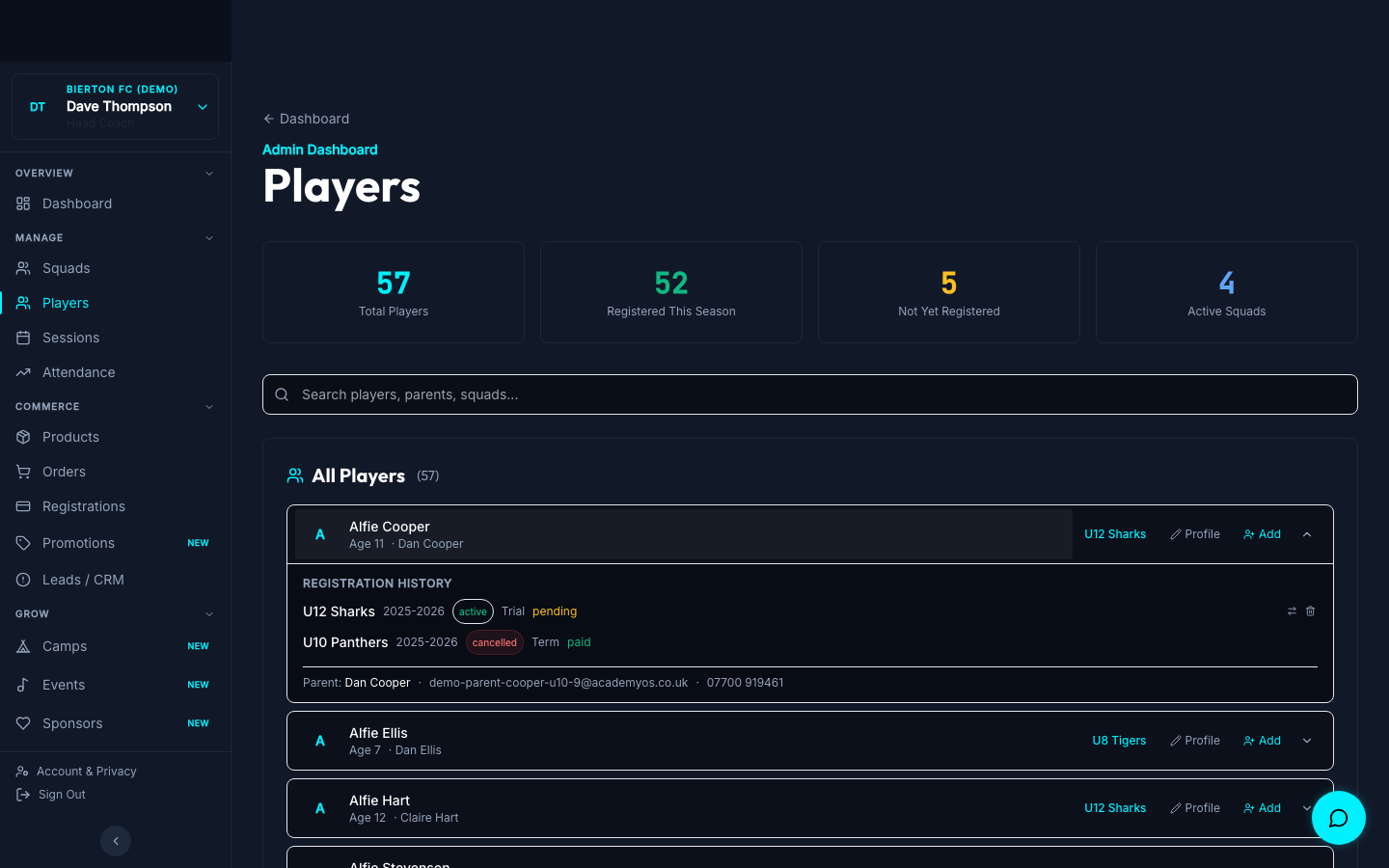
Option A: After a match
Open the match session → Enter Result → log score and MOTM.
After saving the result, click 'Player Ratings' to score each player on effort/technique/teamwork/attitude (1-5).
Enter individual goal and assist counts per player.
Option B: From the player profile
Open Admin → Players → click on any player.
Update strengths, areas to improve, season goals, and progression notes at any time.
See the player's full session history — attendance, ratings, goals, and MOTM awards across the season.
- Do match ratings on the drive home while the game is fresh. It takes 2-3 minutes per squad.
- Update progression notes once a month — parents love seeing written updates about their child.
- Season goals set in September give you a clear benchmark for end-of-season reports.
AI-Generated Reports
Coming soonAcademyOS uses all the data above to generate professional, personalised reports for each player.
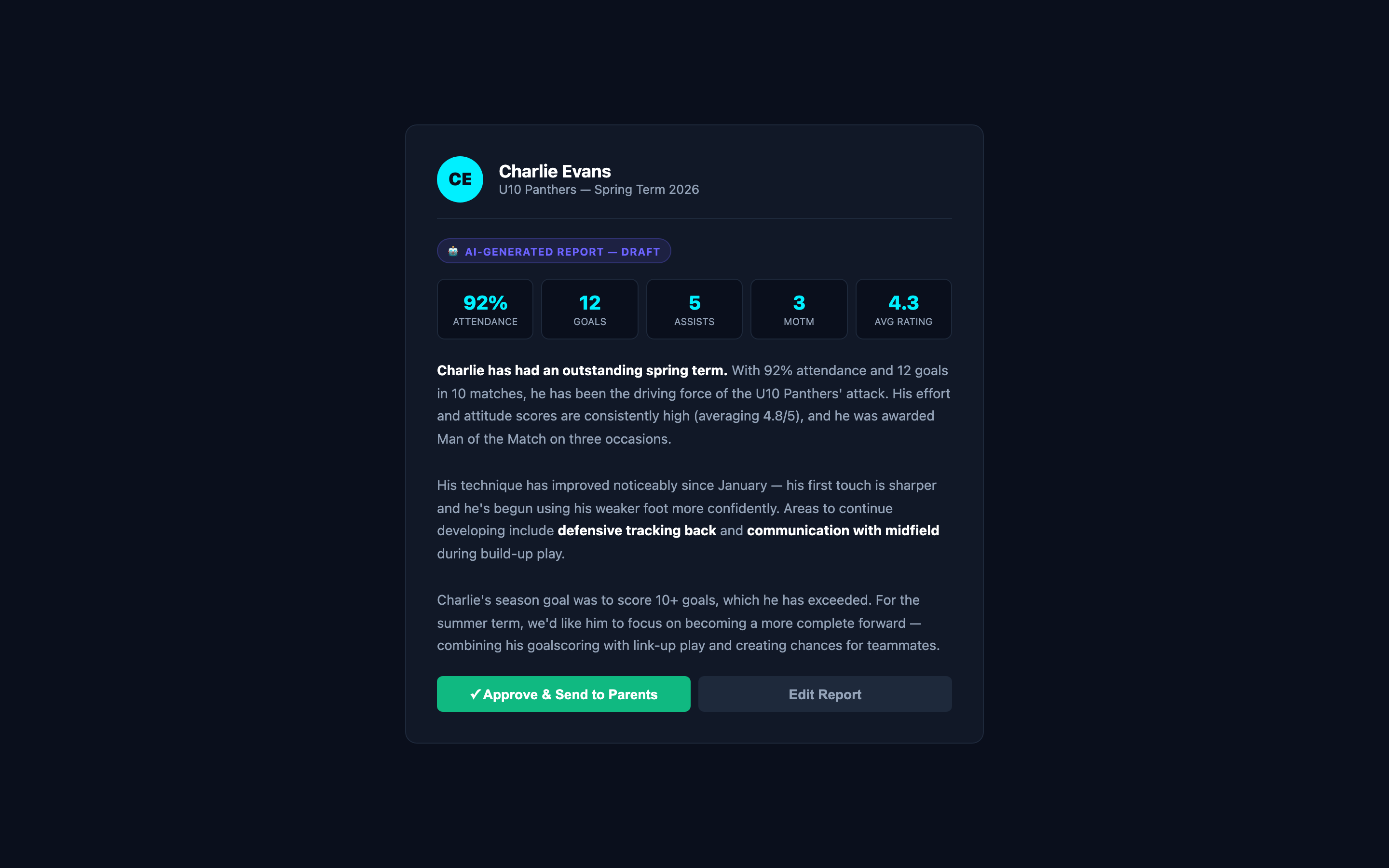
What the AI uses
How often the player showed up. Consistency is highlighted positively.
Goals, assists, MOTM awards, matches played. Hard numbers parents can see.
Average effort/technique/teamwork/attitude across the term. Trends over time.
Strengths, areas to improve, and season goals — the AI weaves these into natural language.
Any written updates from the coach feed into the narrative.
What parents receive
A written summary (2-3 paragraphs) covering the player's term — achievements, progress, areas to develop, and goals for next term.
Attendance %, goals, assists, matches played, MOTM count — presented clearly.
The coach reviews and approves the AI draft before it's sent. Nothing goes to parents without your approval.
- The AI never invents data — it only uses what you've logged. More data = better reports.
- You can edit any AI-generated report before sending. It's a draft, not a final product.
- Reports are generated per-player, per-term. You can run them whenever you want.
- Even without AI, all the data is available on each player's profile for manual report writing.
- AI reports require at least 5 sessions of logged data per player to generate meaningful content.
- Private coach notes are never included in parent-facing reports. Only progression notes and metrics are used.
The Reports Dashboard
The Admin → Reports page gives you a club-wide overview of performance.
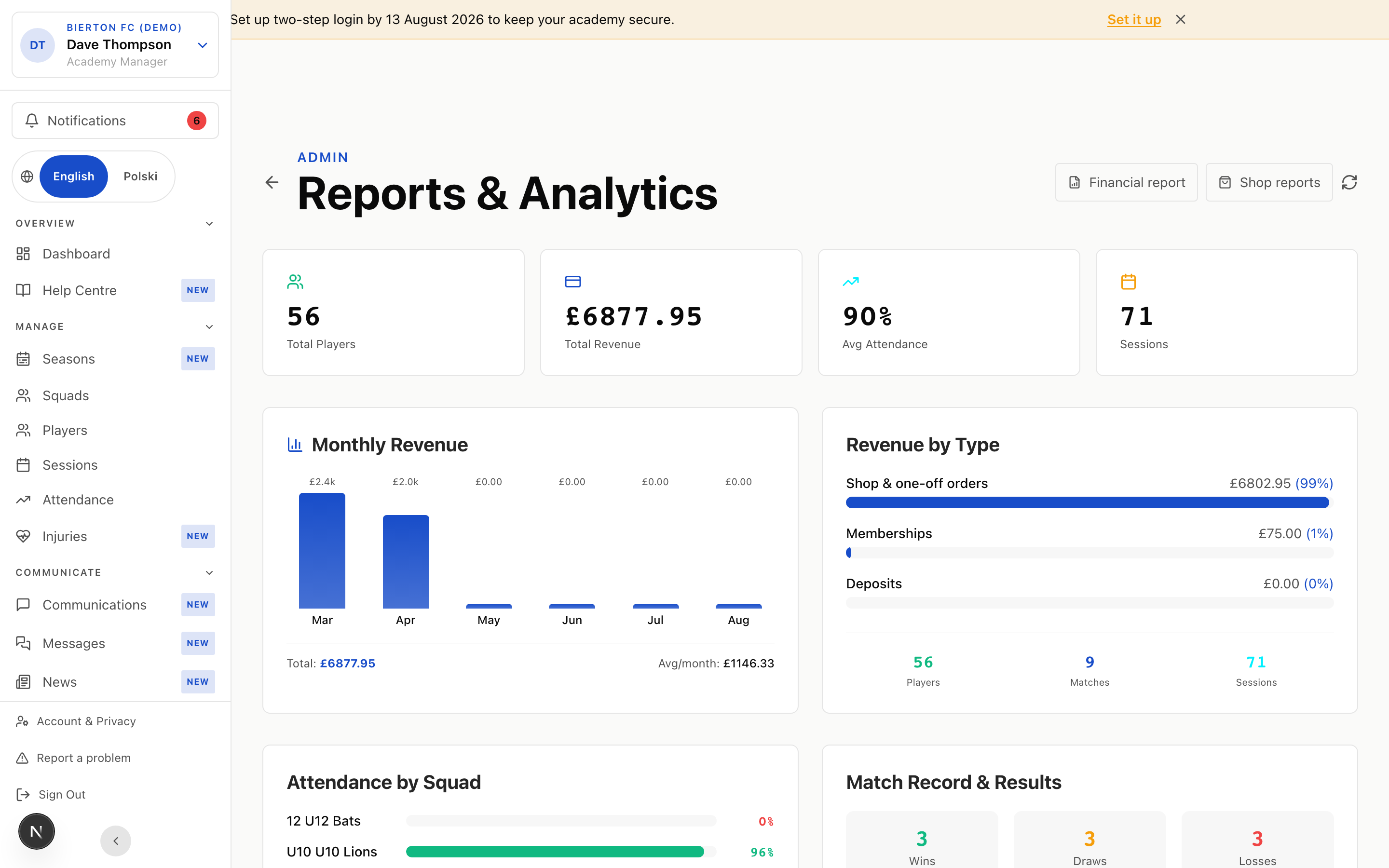
What you see
Active players across all squads.
Season revenue from all registrations.
Club-wide average across all squads. Colour-coded: green (≥90%), amber (≥80%), red (<80%).
Total training sessions and matches held this season.
Revenue trend over the last 6 months. Useful for committee meetings.
Per-squad attendance rates so you can spot which teams need attention.
Wins / Draws / Losses across all squads. Win rate percentage.
Last 10 match results with scores, dates, and opponents.
- Share the Reports page at committee meetings — it's designed to be projected.
- Attendance by squad helps you identify engagement issues early.
- Revenue by type shows whether parents prefer term or annual payments — useful for next season's pricing.
Start logging performance today
Every rating you log builds towards a better end-of-term report for every player.